How to Set Up a Live Streaming Webcam That Survives the Florida Keys
Setting up a live streaming webcam is a solved problem on the mainland. In the Keys, the same setup has to survive salt air, 90 percent humidity, summer squalls, and the occasional named storm. This is the setup we use on the cams in the OMG webcam directory, written so you can do it yourself or know exactly what you are paying someone else to do.
Step 1: Pick a camera for the environment, not the spec sheet
Any modern IP camera can stream. Not every camera can stream from a dock piling for five years. What matters here:
- Salt rating. Look for IP66 or better housing and a marine coating. Standard outdoor cameras corrode at the seams within a year or two of direct salt exposure.
- Fixed HD versus 4K PTZ. A fixed HD camera is right for a single framed view (a stage, an oven, a dock). A 4K pan-tilt-zoom earns its cost on wide scenes like a marina basin or a Seven Mile Bridge horizon.
- Onboard encoding support. Choose a camera that can run its own streaming client (see step 3). It removes an entire failure-prone computer from the chain.
Step 2: The mount is the real investment
Most dead Keys cams die at the mount, not the camera. Stainless steel hardware for direct salt exposure, marine-grade aluminum where weight matters, and structural ties into the building rather than a parapet cap that works loose in the first tropical storm. Aim the housing slightly downward so rain sheets off the glass, and seal every penetration; a fogged lens in July usually traces back to one bad gasket.
Run power and network over PoE (power over ethernet) wherever possible. One cable, one failure surface, and no outdoor outlet to GFCI-trip during a squall.
Step 3: The streaming stack
Our standard stack is CamStreamer running on the camera itself, pushing to YouTube Live:
- CamStreamer encodes on the camera, so there is no PC in a closet to crash.
- YouTube Live delivers the stream: free HD CDN, playback on every device, and discovery inside YouTube itself.
- The embed is the YouTube iframe on your website with a fallback message for browsers that block embeds and a visible pause control for accessibility.
If your camera speaks RTSP only, you can bridge it with a small encoder, but treat that as the fallback, not the plan. Every extra box is a thing that fails during the busiest weekend of season.
Step 4: Point it somewhere worth watching
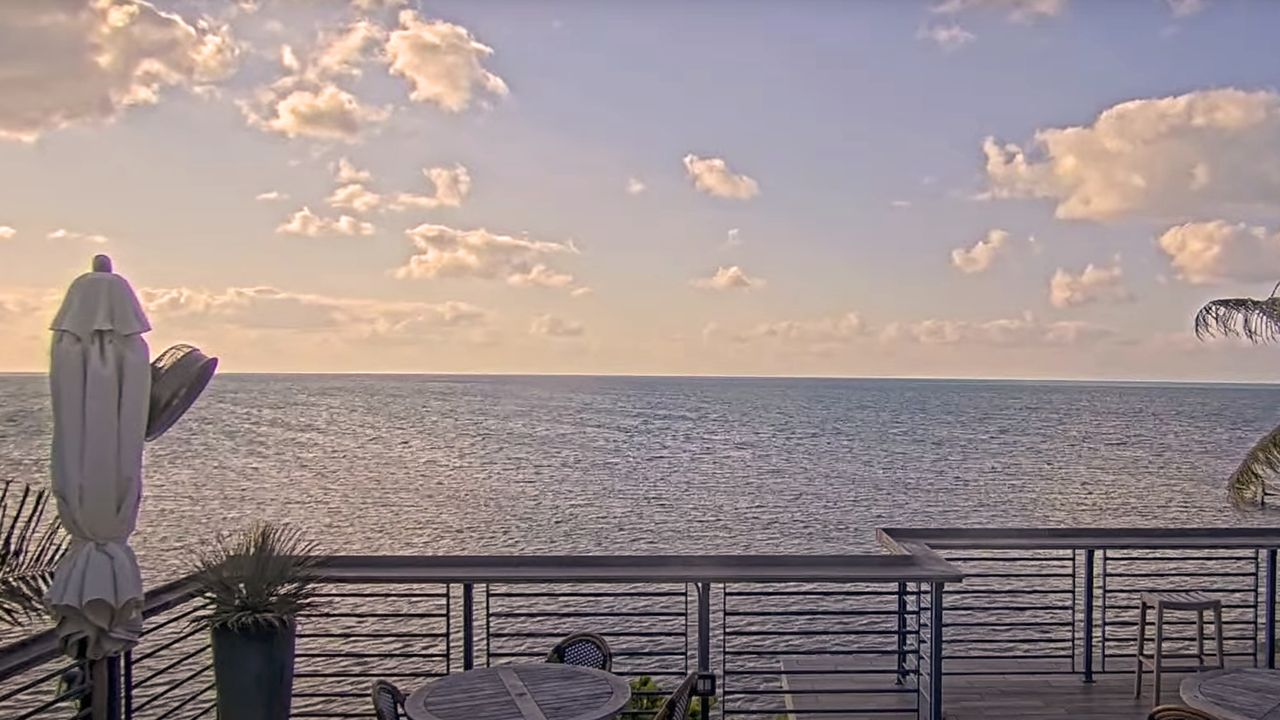
The cams that earn traffic show something alive: the tarpon feed at Robbie’s, the Duval Street stage at Irish Kevin’s, boat traffic under the Seven Mile Bridge. A parking lot streams just as reliably and nobody watches it. Frame for the thing your visitors would check on: the water, the crowd, the sunset line.
Step 5: Plan for hurricane season, because it is coming
This is the part mainland guides skip. Every cam we run gets a pre-storm checklist when something is in the forecast cone: mount inspection, position log, sealing check. For a category 3 or stronger, dismounting the camera and storing it on property is often the right call; a camera is replaceable, but a torn mount can take part of the fascia with it. After the storm, re-aim and reseal within a couple of days; a cam that slipped two degrees streams a wall for months if nobody checks.
Step 6: Monitor it, or it will die quietly
Set an uptime check that watches the live endpoint, not just the camera’s local network. The common failure is not the camera; it is the property’s internet dropping while everyone is busy running the business. A stream that has been dark for a week tells every visitor the opposite of what you installed it to say.
Or have us do the whole thing
We install, host, and monitor live cams for Keys businesses full time, and if you already own a camera we offer webcam hosting without the install. Either way, you get the same stack described above, plus a team eleven mile markers away instead of a support queue on the mainland.